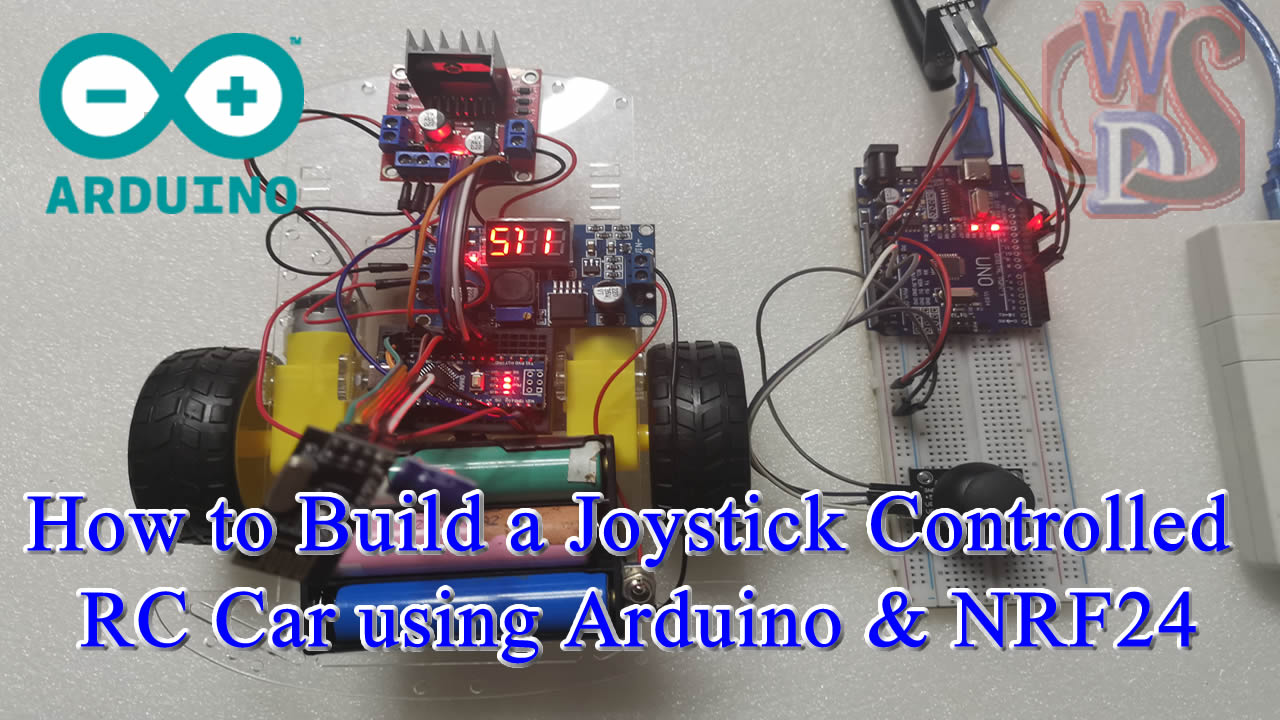
Building a joystick-controlled RC car using the NRF24L01 transceivers is a step up from Bluetooth projects. It offers a significantly longer range (up to 100 meters or more with an antenna) and uses a dedicated transmitter rather than a smartphone app.
This project is divided into two parts: the Transmitter (Remote Control) and the Receiver (The Car).
VIDEO EXPLANATION
1. Components Required
| Part | Transmitter (Remote) | Receiver (Car) |
| Microcontroller | Arduino Nano/Uno | Arduino Nano/Uno |
| Wireless Module | NRF24L01 + Adapter | NRF24L01 + Adapter |
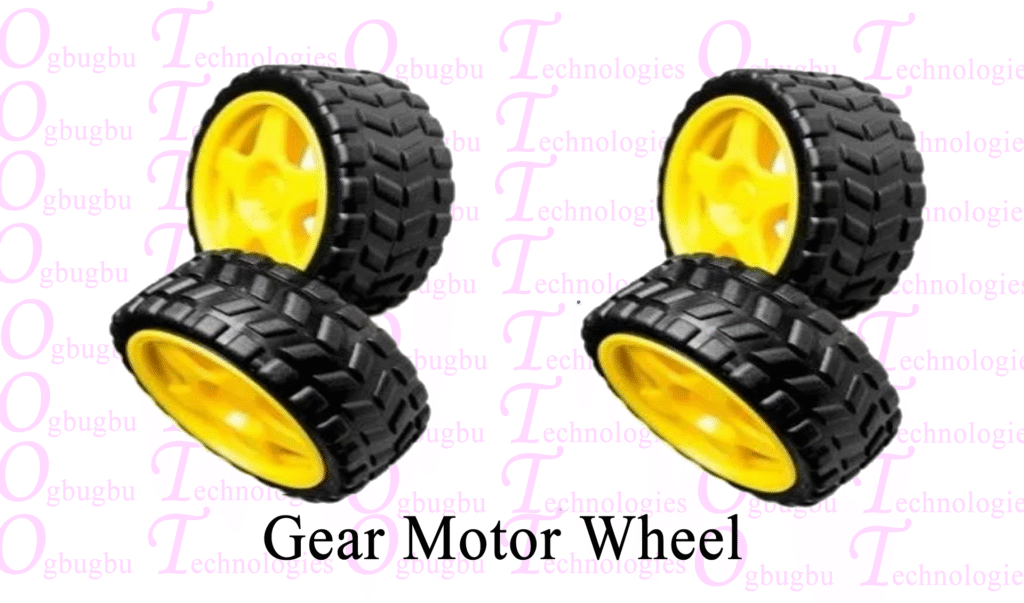
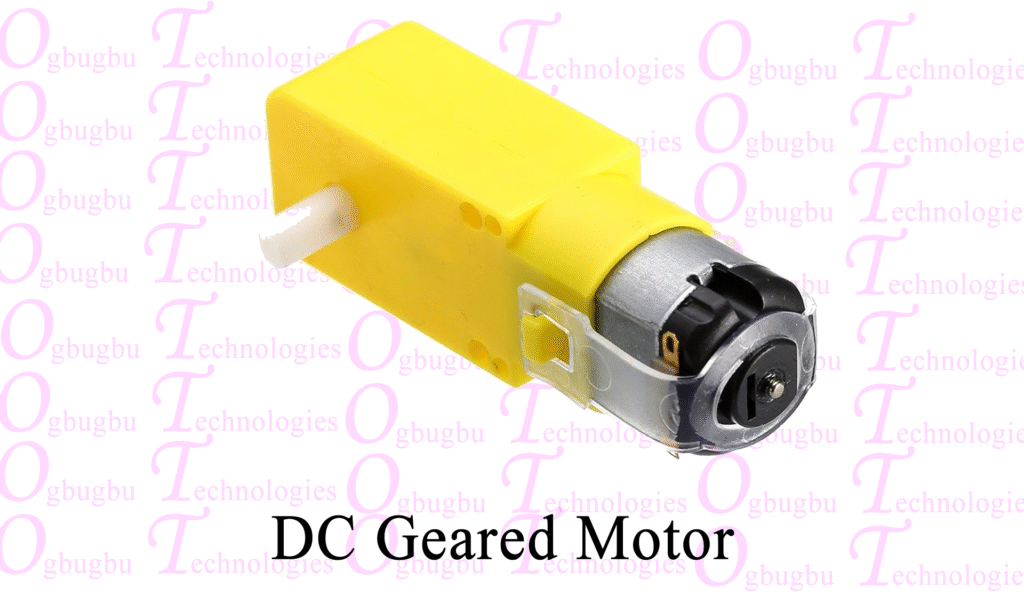
| Input/Output | Analog Joystick Module | L298N Motor Driver + 2 Gear Motors |
| Power | 9V Battery | 7.4V Li-ion or 12V Battery |
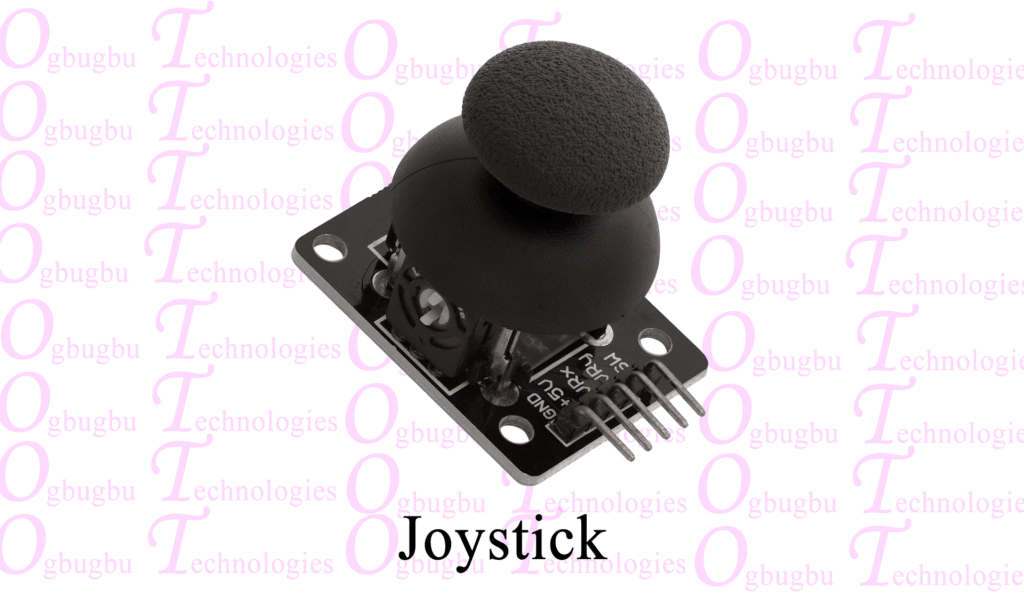
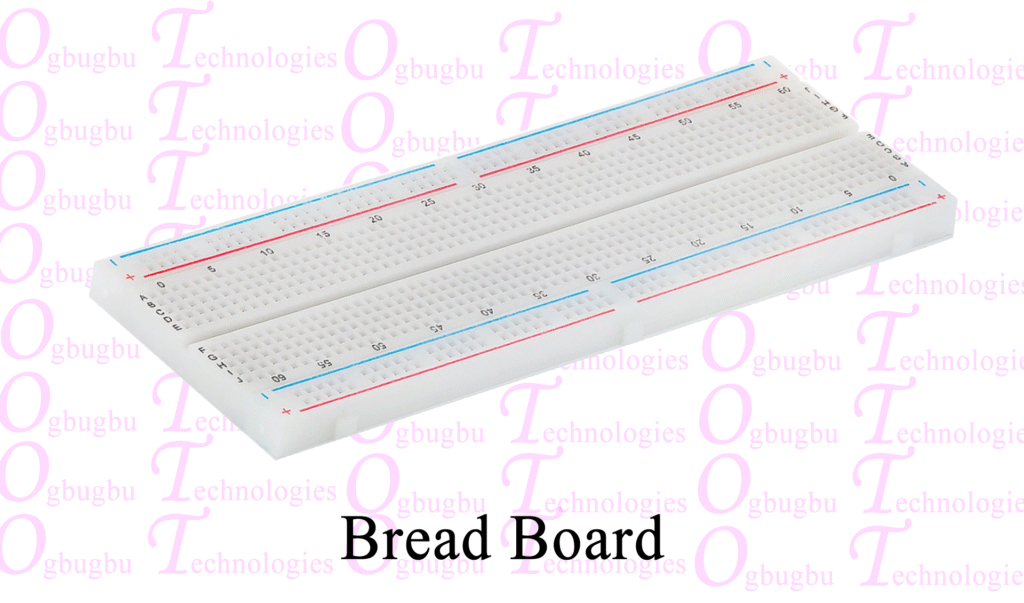
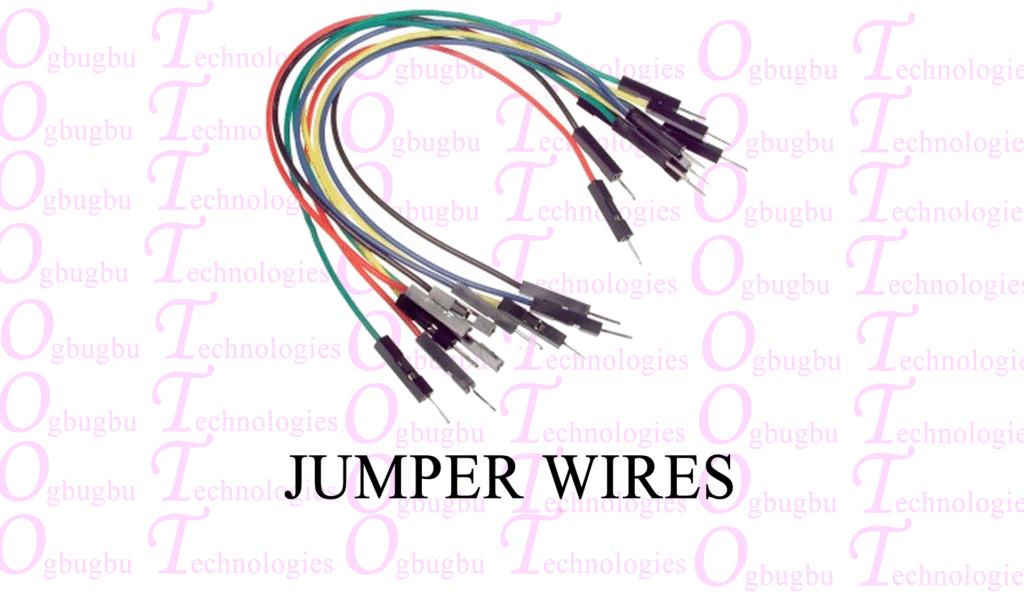
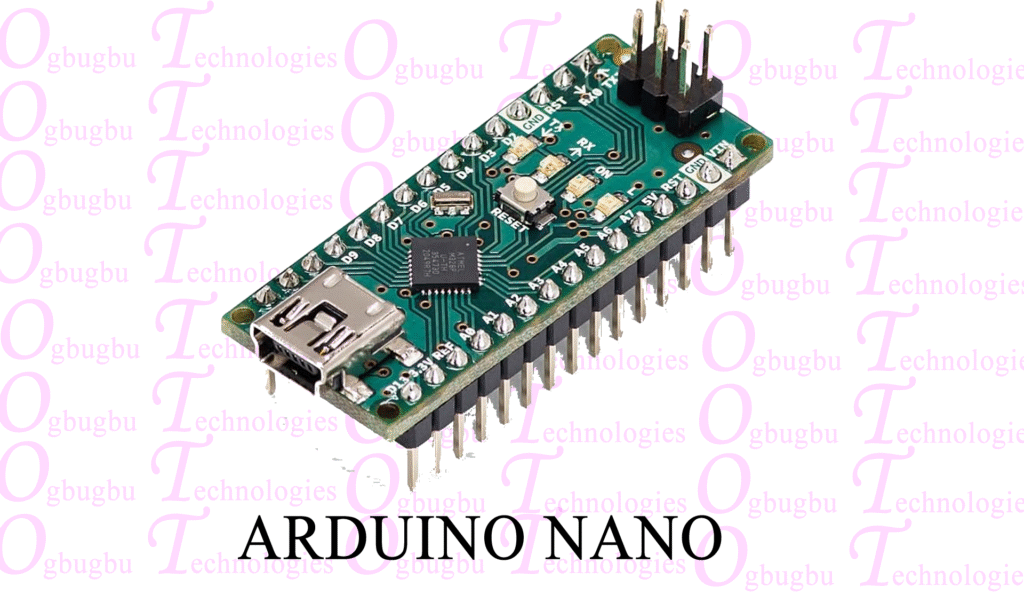
2. Wiring Diagram
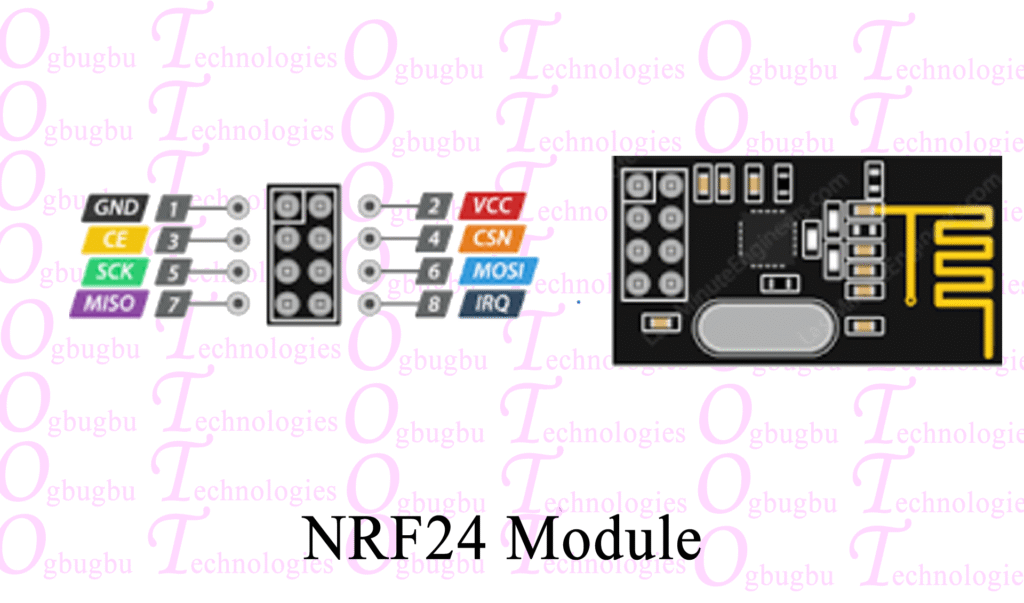
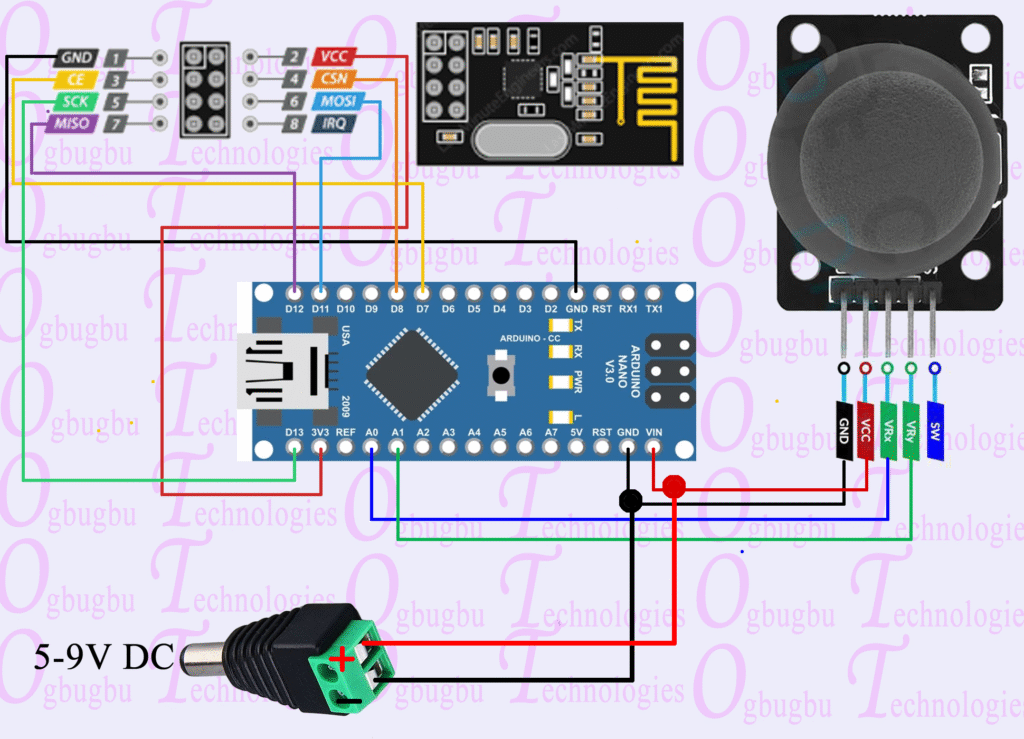
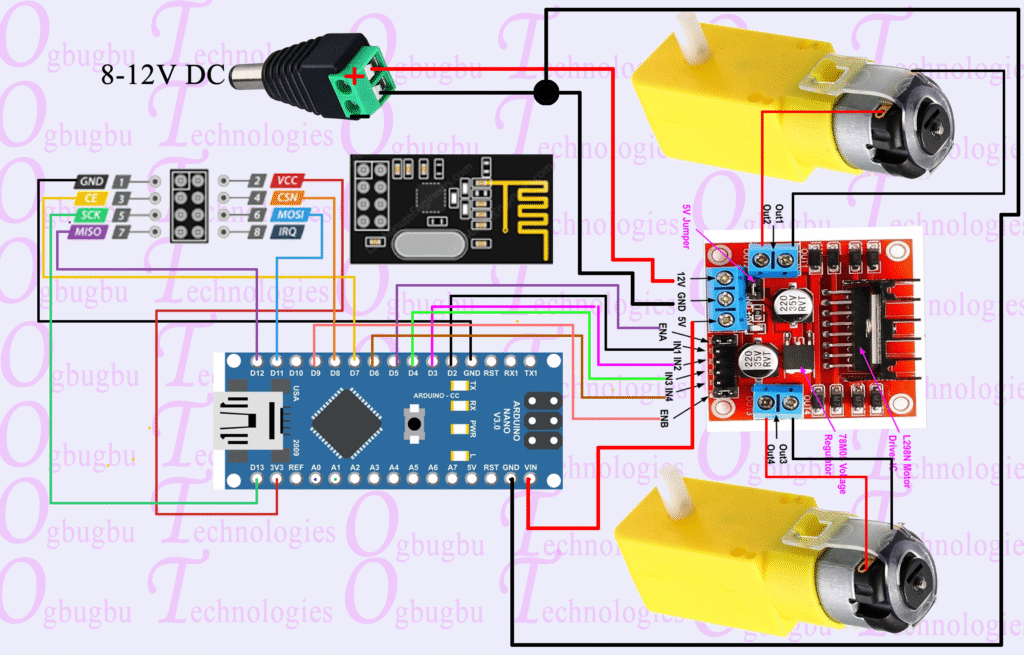
NRF24L01 Connections (Common for both sides)
The NRF24L01 uses the SPI bus. Note that it requires 3.3V, though its logic pins are 5V tolerant.
- VCC → 3.3V (Use an adapter for stability)
- GND → GND
- CE → D7
- CSN → D8
- SCK → D13
- MOSI → D11
- MISO → D12
Specific Connections
Transmitter: Connect Joystick VRx to A0 and VRy to A1.
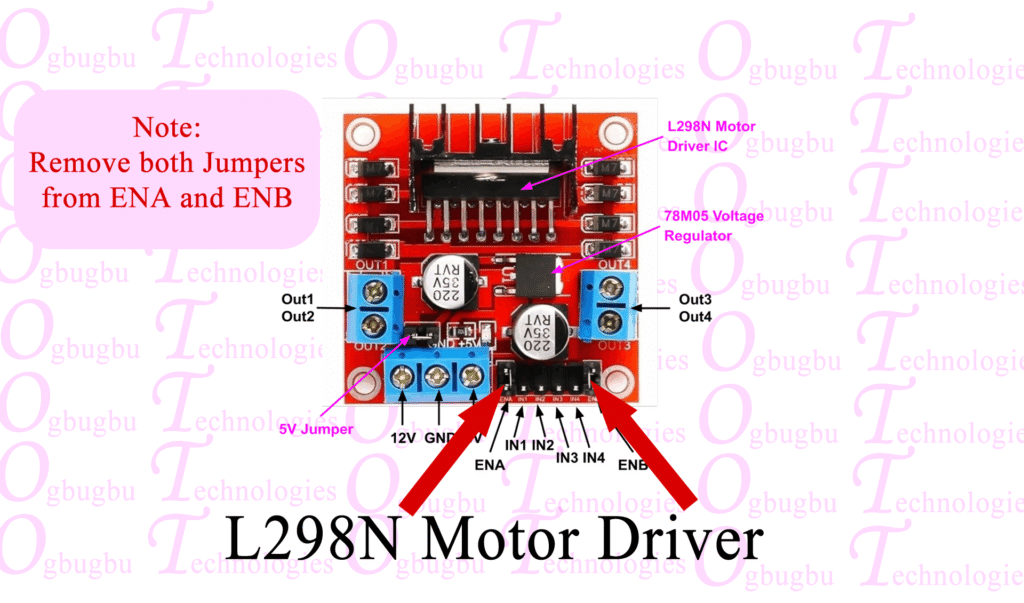
Receiver: Connect L298N
ENA —D5
IN1 —D2
IN2 —D3
IN3 —D4
IN4 —D6
ENB —D9
3. The Transmitter Code
The transmitter reads the X and Y positions of the joystick, stores them in an array, and sends them over the radio.
#include <SPI.h>
#include <nRF24L01.h>
#include <RF24.h>

RF24 radio(7, 8); // CE, CSN
const uint64_t pipeOut = 0xE9E8F0F0E1LL;

struct Data_Package {
  int xAxis;
  int yAxis;
};

Data_Package data;

void setup() {
  Serial.begin(9600);
  radio.begin();
  radio.openWritingPipe(pipeOut);
  radio.setPALevel(RF24_PA_LOW);
  radio.stopListening();
}

void loop() {
  data.xAxis = analogRead(A0); // Horizontal (Left-Right)
  data.yAxis = analogRead(A1); // Vertical (Forward-Backward)

  radio.write(&data, sizeof(Data_Package));

  Serial.print("X: ");
  Serial.print(data.xAxis);
  Serial.print(" | Y: ");
  Serial.println(data.yAxis);

  delay(20); // smooth signal
}
4. The Receiver Code
The receiver listens for the array, then converts those X and Y values into motor movements (Forward, Backward, Left, Right).
#include <SPI.h>
#include <nRF24L01.h>
#include <RF24.h>

RF24 radio(7, 8); // CE, CSN
const uint64_t pipeIn = 0xE9E8F0F0E1LL;

struct Data_Package {
  int xAxis;
  int yAxis;
};

Data_Package data;

#define ENA 5
#define IN1 2
#define IN2 3
#define IN3 4
#define IN4 6
#define ENB 9

void setup() {
  Serial.begin(9600);

  pinMode(ENA, OUTPUT);
  pinMode(IN1, OUTPUT);
  pinMode(IN2, OUTPUT);
  pinMode(IN3, OUTPUT);
  pinMode(IN4, OUTPUT);
  pinMode(ENB, OUTPUT);

  radio.begin();
  radio.openReadingPipe(1, pipeIn);
  radio.setPALevel(RF24_PA_LOW);
  radio.startListening();
}

void loop() {
  if (radio.available()) {
    radio.read(&data, sizeof(Data_Package));

    int x = data.xAxis;
    int y = data.yAxis;

    Serial.print("X: ");
    Serial.print(x);
    Serial.print(" | Y: ");
    Serial.println(y);

    // Forward
    if (y > 600) {
      digitalWrite(IN1, HIGH);
      digitalWrite(IN2, LOW);
      digitalWrite(IN3, HIGH);
      digitalWrite(IN4, LOW);
    }
    // Backward
    else if (y < 400) {
      digitalWrite(IN1, LOW);
      digitalWrite(IN2, HIGH);
      digitalWrite(IN3, LOW);
      digitalWrite(IN4, HIGH);
    }
    // Left
    else if (x < 400) {
      digitalWrite(IN1, LOW);
      digitalWrite(IN2, HIGH);
      digitalWrite(IN3, HIGH);
      digitalWrite(IN4, LOW);
    }
    // Right
    else if (x > 600) {
      digitalWrite(IN1, HIGH);
      digitalWrite(IN2, LOW);
      digitalWrite(IN3, LOW);
      digitalWrite(IN4, HIGH);
    }
    // Stop
    else {
      digitalWrite(IN1, LOW);
      digitalWrite(IN2, LOW);
      digitalWrite(IN3, LOW);
      digitalWrite(IN4, LOW);
    }

    analogWrite(ENA, 150);  // Motor speed (0–255)
    analogWrite(ENB, 150);
  }
}
Troubleshooting the NRF24L01
- Power Issues: The most common failure is insufficient power. Use a 10µF to 100µF capacitor across the NRF24L01’s VCC and GND pins to smooth out voltage spikes.
- Wiring: Double-check your SPI pins (MOSI, MISO, SCK). If these are wrong, the module won’t initialize.