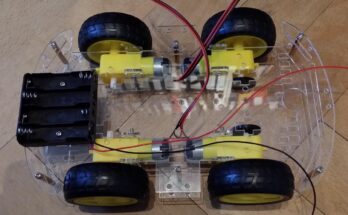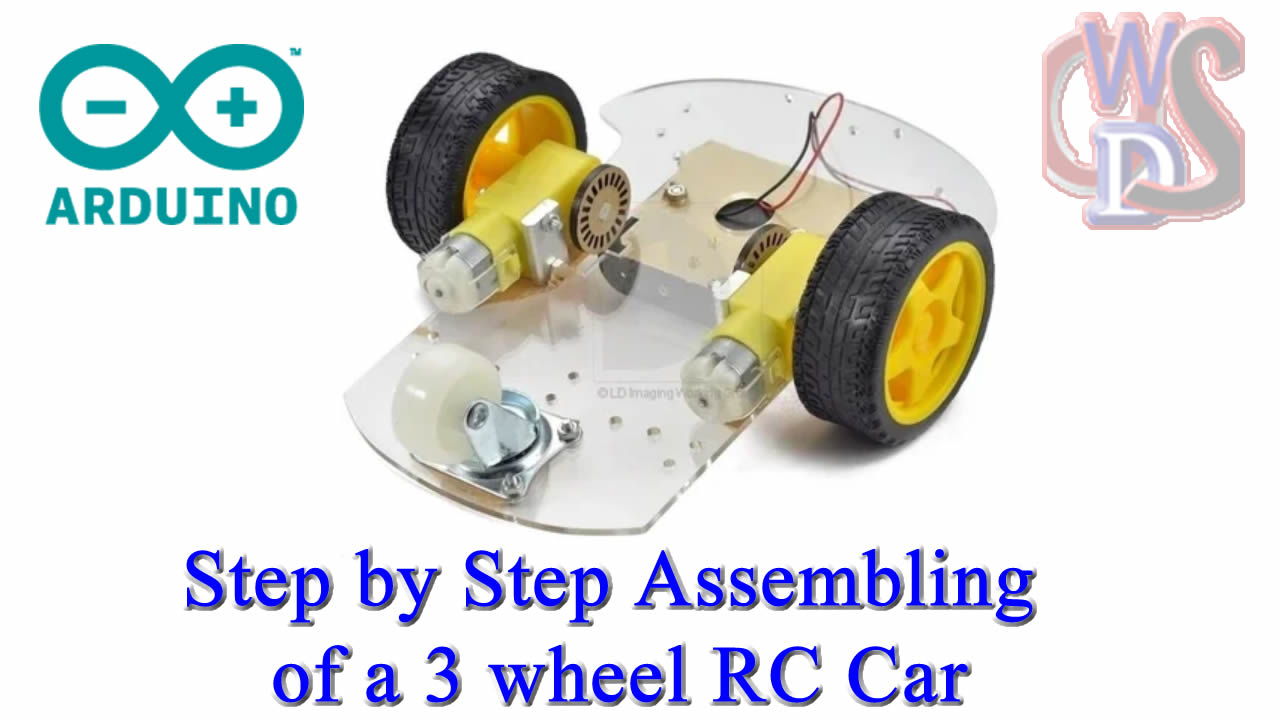
Assembling a 3-wheel RC car (often called a “tadpole” or “delta” configuration) is a fantastic project because it simplifies the steering geometry compared to a 4-wheel car. Usually, these designs feature two powered wheels in the front and one pivoting caster wheel in the back.
Here is your step-by-step assembly guide.
🛠️ Tools & Components Needed
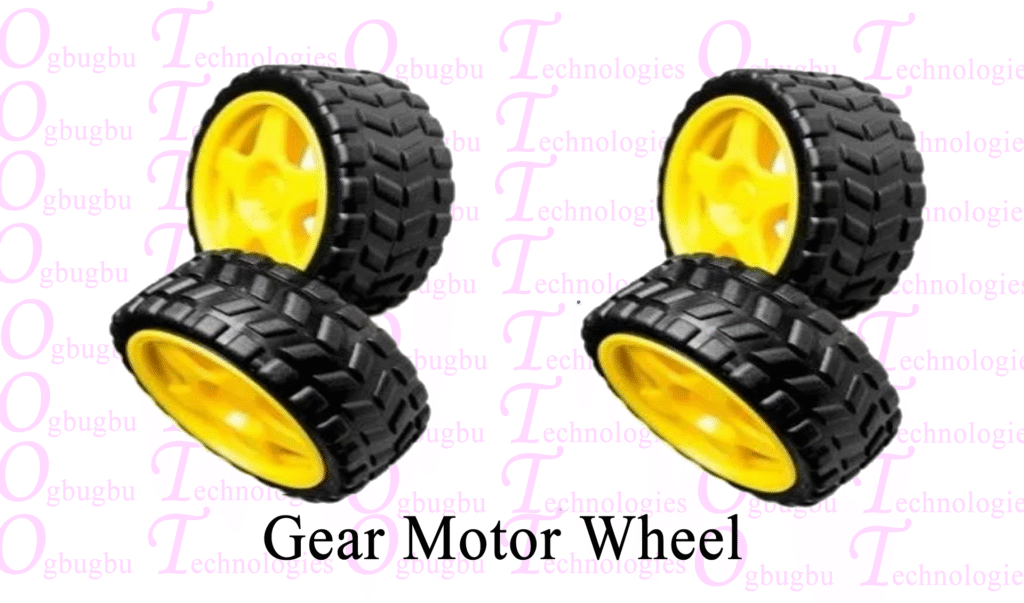
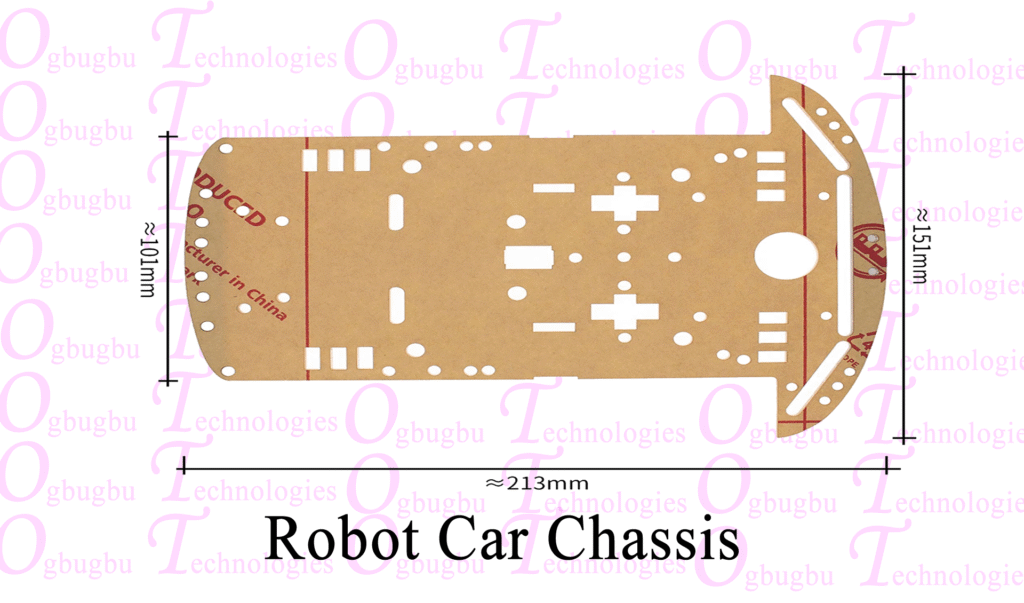
- Chassis: Laser-cut acrylic, 3D printed, or plywood base.
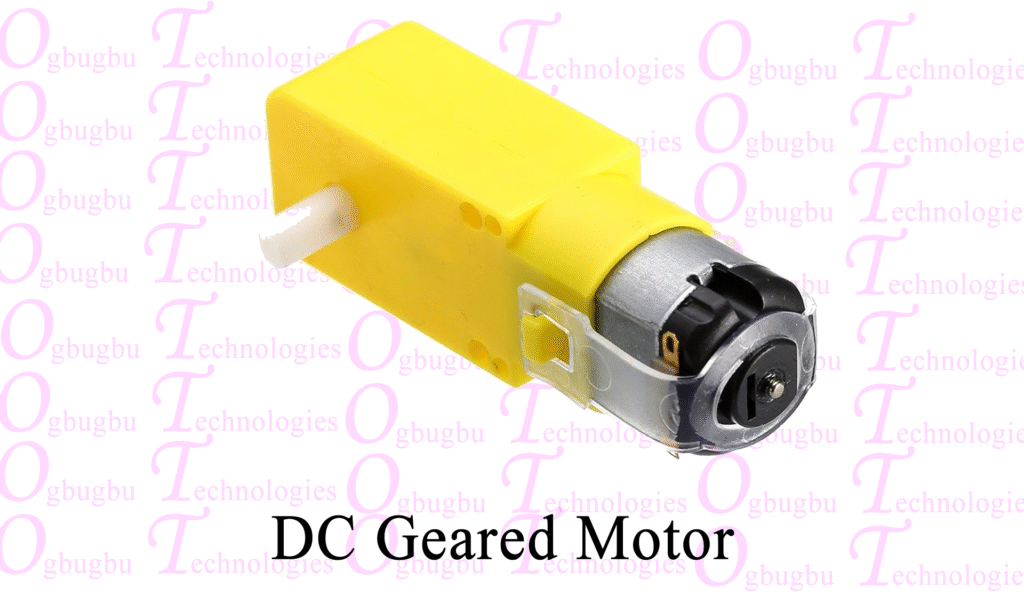
- Motors: 2x DC Gear Motors (TT Motors).
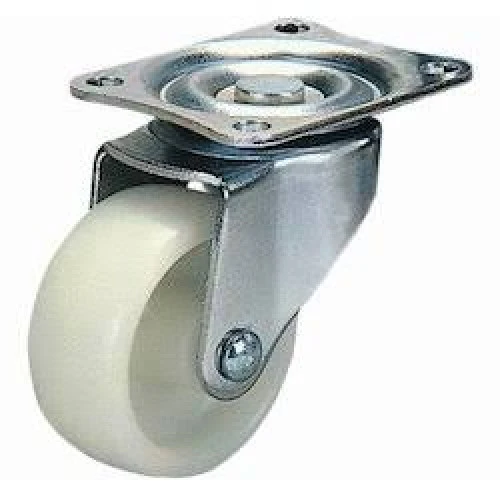
- Wheels: 2x Rubber wheels for motors + 1x Ball Caster wheel.
- Motor Driver: L298N or L293D module.
- Hardware: M3 screws, nuts, and standoffs.
Step 1: Prepare the Chassis
Before mounting electronics, you need to establish the physical footprint.
- Mark the alignment: Ensure your two TT motors are perfectly parallel. If one is slightly ahead of the other, the car will veer to the side.
- Mount the Caster: Attach the ball caster wheel to the “tail” of the chassis. Use standoffs if necessary to ensure the chassis sits level with the height of the main wheels.
Step 2: Install the Motors
- Secure the Brackets: Use the T-shaped plastic brackets (usually included with TT motors) to bolt the motors to the chassis.
- Attach Wheels: Press-fit the wheels onto the motor’s D-shafts.
- Wire Management: Solder two wires to each motor.Tip: Twist the pairs of motor wires together. This keeps the build tidy and reduces electromagnetic interference (EMI) with your microcontroller.
Step 3: Mount the Electronics
- Motor Driver: Place the L298N module in the center. This helps with weight distribution.
- Microcontroller: Use nylon standoffs to mount your board (e.g., Arduino) above the chassis to prevent short circuits.
- Battery Pack: Mount the battery pack near the center of gravity. If it’s too far back, the car might “wheelie”; too far forward, and it may struggle to turn.
Step 4: Wiring the Drive System
Follow this logic for the L298N Motor Driver:
- Motor A & B: Connect the left motor wires to
OUT1/OUT2and the right motor toOUT3/OUT4. - Logic Pins: Connect the
IN1, IN2, IN3, IN4pins to your microcontroller’s digital pins. - Power: Connect the Battery (+) to the
12Vterminal and Battery (–) toGND.- Crucial: Connect the
GNDof the motor driver to theGNDof your microcontroller so they share a common reference.
- Crucial: Connect the
Step 5: Code & Calibration
Upload a basic test script to spin both motors forward for 2 seconds.
- Check Rotation: If one wheel spins backward, simply swap the two wires for that motor at the driver terminal.
- Differential Steering: To turn, the code will stop one motor and spin the other (e.g., Left Motor ON + Right Motor OFF = Right Turn).
Troubleshooting Common Issues
- The Car “Twitches”: This is usually due to low battery voltage. The motors are drawing too much current, causing the microcontroller to reset.
- Spinning in Circles: Ensure your caster wheel is clean and can rotate 360° freely. If it sticks, the car won’t steer.