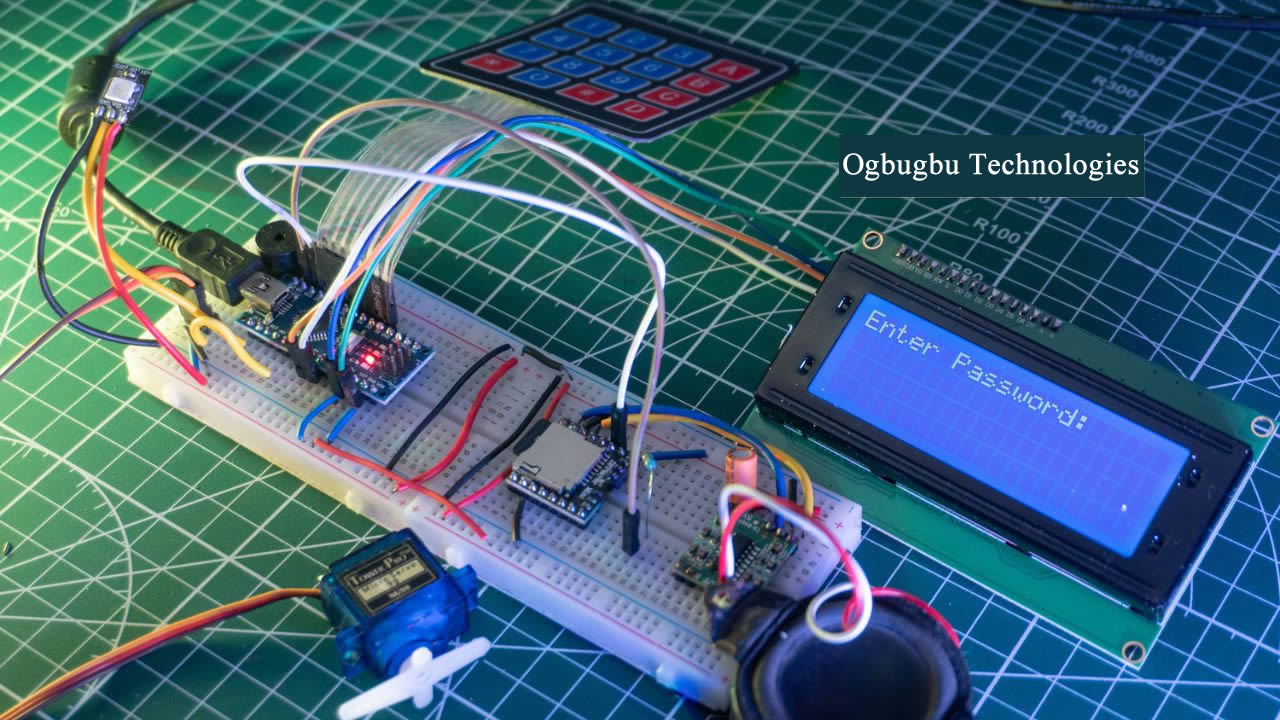
Smart Arduino Door Lock System is a sophisticated and customizable security solution that enhances access control in both residential and commercial apartments. Combining the versatility of the Arduino platform with essential hardware components like a keypad, servo motor, and DFPlayer Mini, this project provides a secure, interactive, and user-friendly method to manage door access.
Sponsored by PCBWay and KiCad
At the heart of this system is the Arduino microcontroller, which serves as the brain of the operation, processing user inputs and controlling the various components. This project is brought to life with the help of PCBWay and KiCad, two integral partners in creating a reliable and efficient PCB design.
KiCad was used to design the custom PCB for this system, ensuring seamless integration of all components into a compact, efficient, and professional layout. With its open-source flexibility and user-friendly tools, KiCad enabled us to bring the circuitry to life precisely.
Once the design was finalized, PCBWay provided world-class PCB manufacturing services. Known for their high-quality fabrication and quick turnaround, PCBWay helped ensure the project achieved a professional-grade finish, essential for durability and reliability in a security application.
Core Features of the Smart Arduino Door Lock System
- User Interaction via Keypad
The system features a keypad for entering a numeric password to unlock the door. Advanced functionalities, such as real-time error correction, allow users to delete characters during input, ensuring a smooth and intuitive experience. - Servo Motor-Driven Lock Mechanism
Upon entering the correct password, the Arduino signals a servo motor to rotate and unlock the door. This motorized mechanism is quiet and reliable, reducing wear and tear compared to traditional mechanical locks. - Audio Feedback with DFPlayer Mini
The inclusion of the DFPlayer Mini module enhances the user experience by providing voice alerts or sound effects for various actions, such as successful entry, incorrect password attempts, or password changes. This makes the system reliable and user-friendly, even for individuals unfamiliar with digital locks. - Password Security and Confirmation
Security is paramount, and the system includes a password confirmation process for setting or updating passwords. This prevents accidental errors and ensures intentional changes to security credentials.
With its combination of robust security, ease of use, and adaptability, the Arduino Door Lock System stands out as an ideal solution for anyone looking to upgrade their security system. This system provides peace of mind through innovative technology and thoughtful design, whether for a home, office, or other secure areas.
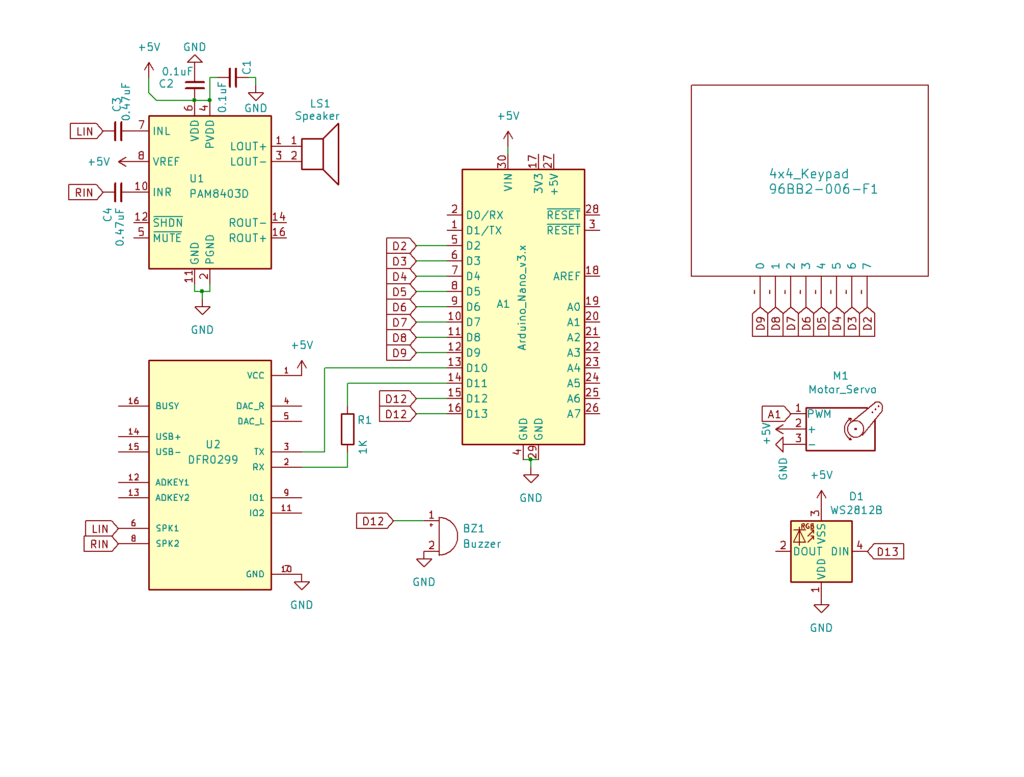
Circuit Design Using KiCad
Components Required
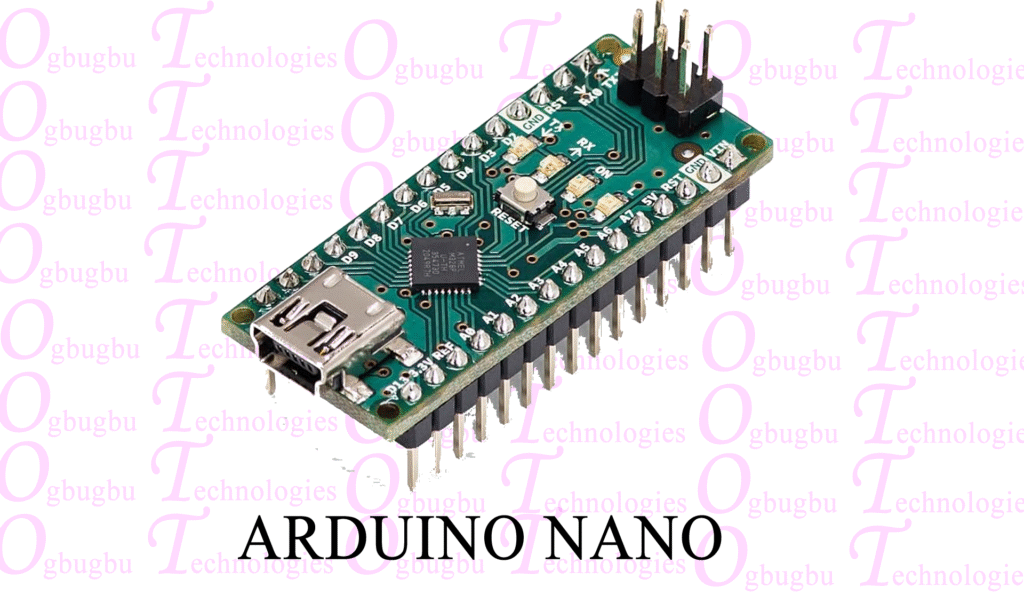
Arduino Nano
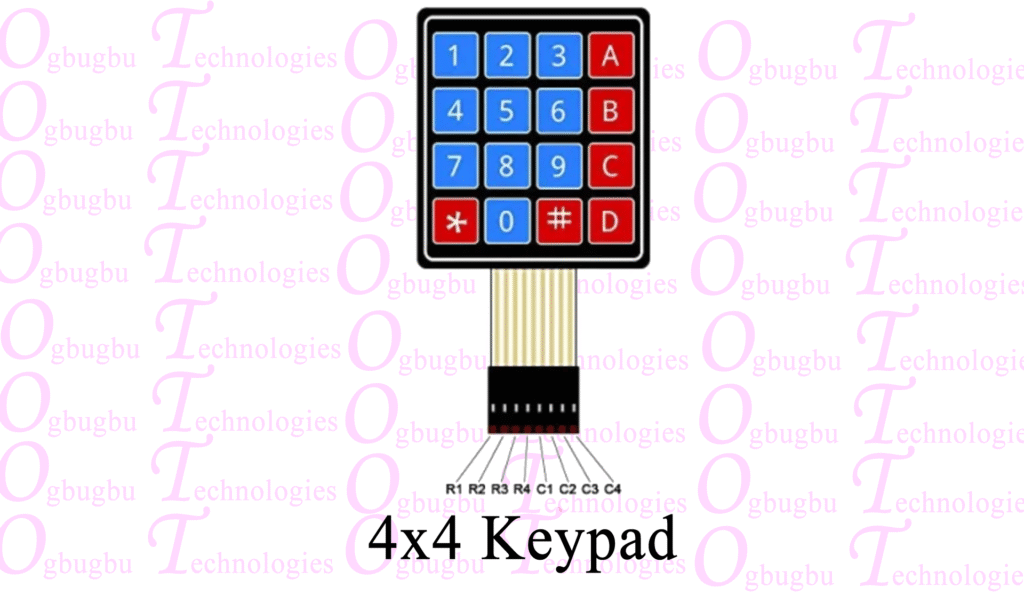
4×4 Keypad
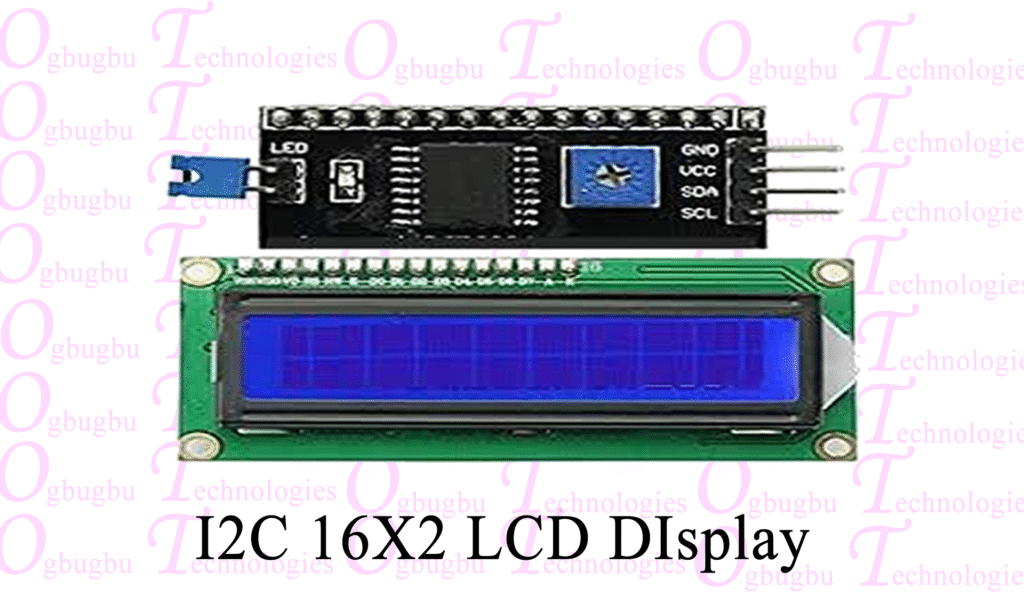
LiquidCrystal I2C Display (20×4)
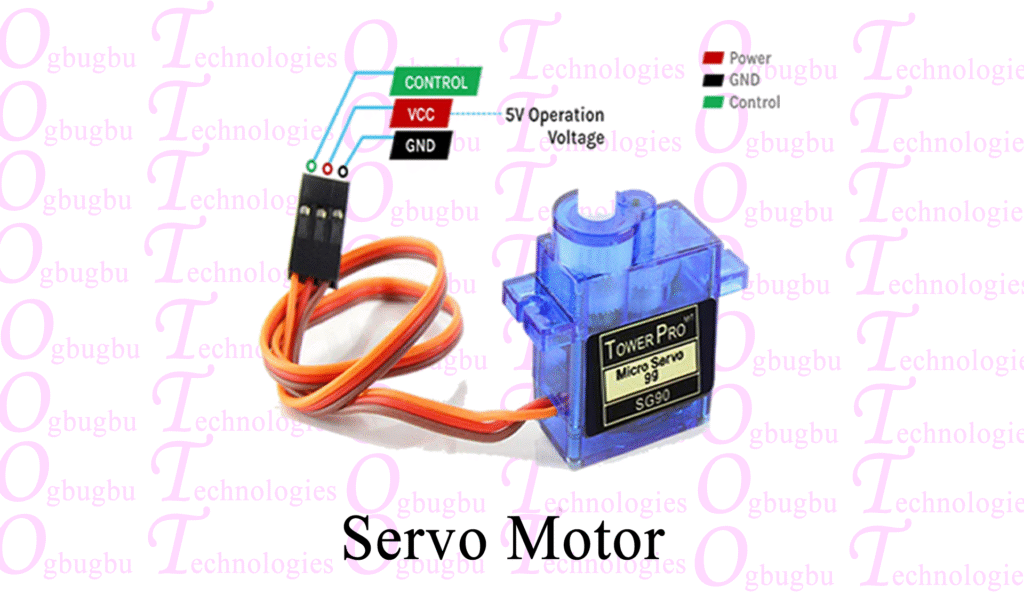
Servo Motor
WS2812B NeoPixel LED
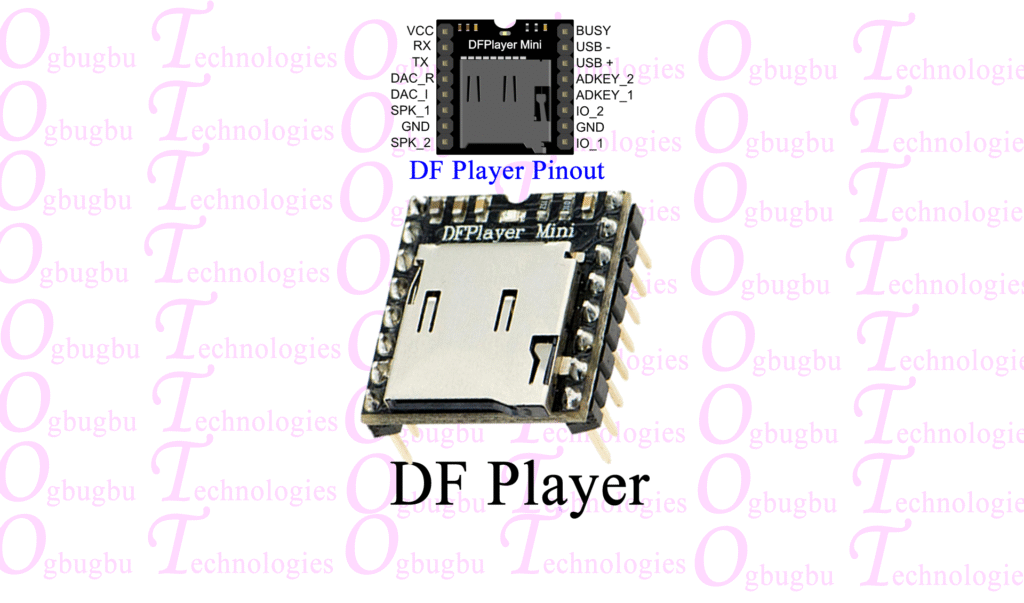
DFPlayer Mini MP3 Player Module
1Kohm Resistors
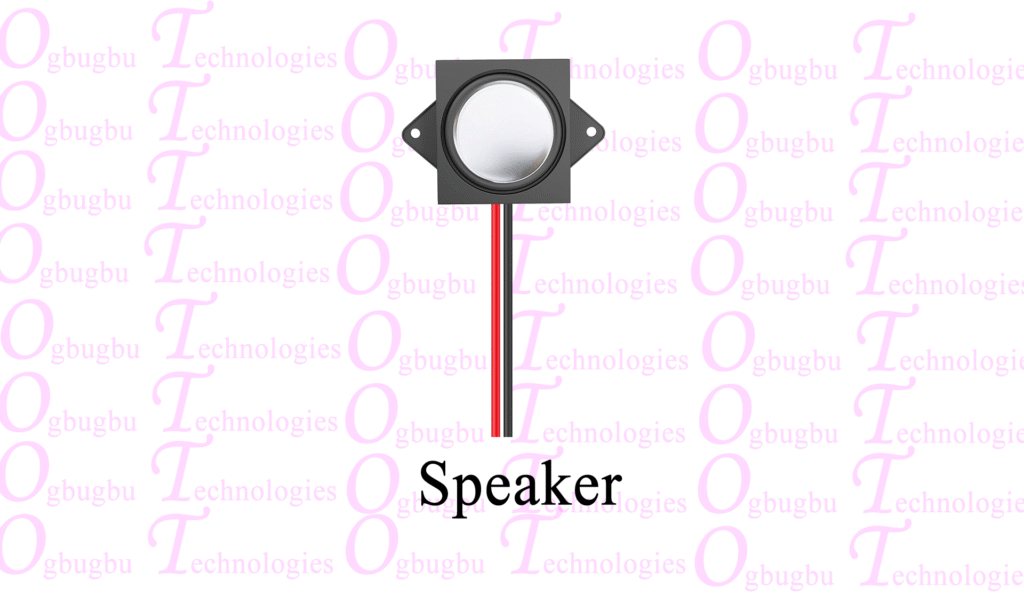
4 ohm Speaker
Buzzer
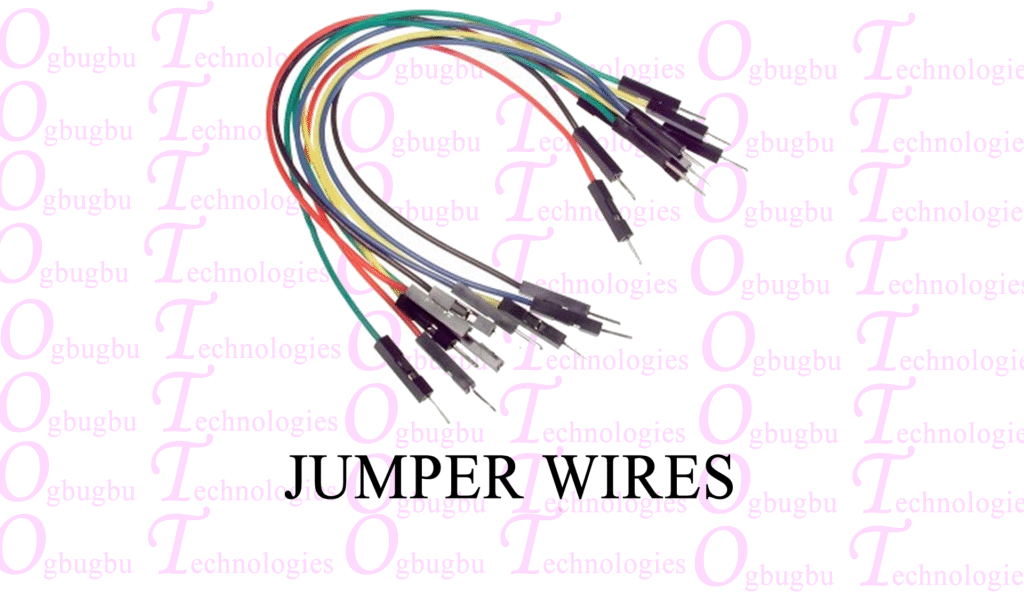
Connecting Wires
5 Volt Power Supply
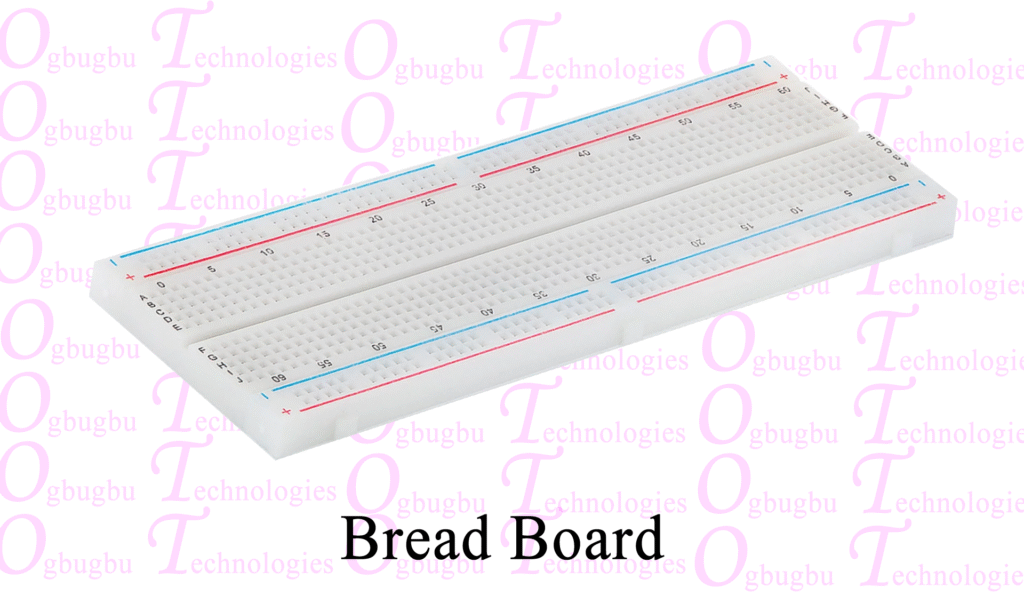
Breadboard

Circuit Connection
DFPlayer Mini (Audio Player):
- Arduino Pins:
PinD10 (SoftwareSerial RX) > DFPlayer Mini TXPin D11 (SoftwareSerial TX) > DFPlayer Mini RX
- Connected to: DFPlayer Mini (for playing audio feedback)
I2C LCD (20×4 Display):
- I2C Interface Pins:
- Arduino A4> LCD SDA
- Arduino
A5> LCD SCL
- Connected to: 20×4 I2C LCD Display (for displaying messages)
4×4 Keypad:
- Arduino Pins:
- Rows:
Pin 9, Pin 8, Pin 7, Pin 6-> Keypad Rows - Columns:
Pin 5, Pin 4, Pin 3, Pin 2-> Keypad Columns
- Rows:
- Connected to: 4×4 Keypad (for user input)
Servo Motor:
- Arduino Pin:
A1 - Connected to: Servo motor (for controlling the lock/unlock mechanism)
RGB LED (Adafruit Neopixel):
- Arduino Pin: D13
- Connected to: RGB LED strip (for visual feedback)
PAM8403 Audio Amplifier:
- PAM8403 left & right input to DFPlayer Mini SPK1 & SPK2
Speaker:
- PAM8403 Audio Amplifier:
LOUT+ and LOUT- - Connected to: Speaker (for sound feedback)
Buzzer:
- Buzzer positive pin to Arduino D12
System Features Overview
Keypad Input
Users can enter a password using a 4×4 keypad, providing secure and customizable access control.
Password Management
- Set a New Password: Press the ‘B’ key, confirm the current password by pressing ‘A’, and enter the new password.
- Persistent Storage: Passwords are saved in the EEPROM, ensuring retention even after a power cycle.
Feedback Mechanisms
- LCD Display: Provides real-time feedback and instructions to the user.
- LED Strip: An Adafruit NeoPixel LED indicates system states with colours.
- Speaker: Emits audio tones for alerts and feedback.
- DFPlayer Mini: Plays audio files for states like “Door Unlocked,” “Wrong Password,” etc.
- Servo Motor: Operates the locking mechanism, moving to unlock or re-lock the door.
Error Handling
The system includes robust error-handling mechanisms, such as error messages for incorrect passwords, invalid operations, and a delete character function to correct input errors.
Password Management Function
To Unlock the Door: Enter the current password and press ‘A’ to unlock. The servo will move to the unlocked position for 5 seconds.
To Set a New Password:
- Press ‘B’ to enter the password-setting mode.
- Enter the current password and press ‘A’.
- Enter the new password and press ‘A’ to confirm.
Error Handling: If the wrong password is entered, the system will display an error, blink the LED in red, beep the buzzer, and play the “Wrong Password” audio.
Audio Feedback System
The DFPlayer Mini module is used in the system to provide real-time audio feedback, enhancing the user experience. Whenever a user action is taken such as entering the correct password, receiving an error message, or confirming a password change, the system will play corresponding voice alerts through a connected 4 ohm speaker. This ensures that users are always aware of their interactions with the door lock system, making it more intuitive and accessible, especially for those unfamiliar with the device.
Audio Files for Audio Feedback
File 1 (Wrong Password):
File 2 (Password Saved):
File 3 (Invalid Length):
File 4 (Door Unlocked):
File 5 (Door Re-Locking):
Copy these audio files into an SD card.
How to Handle Error and Security?
The system includes several error-handling features, such as the delete character function, allowing users to correct input mistakes during password entry. Additionally, the password confirmation process ensures that changes to the password are intentional and correct, preventing accidental updates or unauthorized access. If an incorrect password is entered multiple times, the system can be programmed to trigger an alert or lockout for a certain period to prevent brute-force attacks.
Coding Explanation
The code for the Smart Arduino Door Lock System is structured to manage user input, control hardware components, and provide audio feedback effectively. At its core, the system utilizes various libraries that facilitate interaction with components like the keypad, LCD, DFPlayer Mini, and servo motor.
Key Libraries Used
- Keypad Library: Used to decode the 4×4 keypad inputs, allowing user password entry and management.
- LiquidCrystal_I2C Library: Enables communication with the I2C LCD for displaying messages and statuses.
- Servo Library: Controls the servo motor for locking and unlocking the door.
- DFRobotDFPlayerMini Library: Manages audio playback from the DFPlayer Mini module, ensuring clear communication of states via audio prompts.
Source Code
#include <Wire.h>
#include <LiquidCrystal_I2C.h>
#include <Keypad.h>
#include <Servo.h>
#include <EEPROM.h>
#include <Adafruit_NeoPixel.h>
#include <DFRobotDFPlayerMini.h>
#include <SoftwareSerial.h>

// --- Function Prototypes ---
void loadPassword();
void savePassword(String newPassword);
void checkPassword();
void handleSettingPassword(char key);
void handleConfirmingPassword(char key);
void refreshDisplay(String msg);
void wrongPassAction(String nextMsg);
void blinkLED(int red, int green, int blue, int times, int delayTime);
void beepBuzzer(int times, int delayTime);
void playAudio(int trackNumber);

// --- Pin and Constant Declarations ---
#define maxPasswordLength 4
#define buzzerPin 12
#define servoPin A1
#define ledPin 13
#define numPixels 1

SoftwareSerial mySerial(10, 11); // RX, TX
DFRobotDFPlayerMini dfPlayer;
LiquidCrystal_I2C lcd(0x27, 20, 4);
Servo myServo;
Adafruit_NeoPixel strip = Adafruit_NeoPixel(numPixels, ledPin, NEO_GRB + NEO_KHZ800);

const byte ROWS = 4;
const byte COLS = 4;
char keys[ROWS][COLS] = {
  {'1', '2', '3', 'A'},
  {'4', '5', '6', 'B'},
  {'7', '8', '9', 'C'},
  {'*', '0', '#', 'D'}
};
byte rowPins[ROWS] = {9, 8, 7, 6};
byte colPins[COLS] = {5, 4, 3, 2};
Keypad keypad = Keypad(makeKeymap(keys), rowPins, colPins, ROWS, COLS);

String currentPassword = "1234";
String inputPassword = "";
boolean settingPassword = false;
boolean confirmingPassword = false;

void setup() {
  pinMode(buzzerPin, OUTPUT);
  pinMode(ledPin, OUTPUT);
  myServo.attach(servoPin);
  myServo.write(0);

  strip.begin();
  strip.show();

  lcd.init();
  lcd.backlight();

  mySerial.begin(9600);
  if (!dfPlayer.begin(mySerial)) {
    lcd.setCursor(0, 0);
    lcd.print("DFPlayer Error");
    delay(2000);
  }

  dfPlayer.volume(25);
  loadPassword();
}

void loop() {
  char key = keypad.getKey();

  if (key == 'B' && !settingPassword && !confirmingPassword) {
    settingPassword = true;
    lcd.clear();
    lcd.setCursor(0, 0);
    lcd.print("Enter Old Pass:");
    inputPassword = "";
    return;
  }

  if (settingPassword) {
    handleSettingPassword(key);
    return;
  }

  if (confirmingPassword) {
    handleConfirmingPassword(key);
    return;
  }

  if (key == 'A') {
    checkPassword();
  } else if (key == 'C') {
    inputPassword = "";
    lcd.clear();
    lcd.print("Enter Password:");
  } else if (key == 'D') {
    if (inputPassword.length() > 0) {
      inputPassword.remove(inputPassword.length() - 1);
      refreshDisplay("Enter Password:");
    }
  } else if (key != NO_KEY) {
    if (inputPassword.length() < maxPasswordLength) {
      inputPassword += key;
      lcd.setCursor(0, 1);
      lcd.print(inputPassword);
    }
  }
}

// --- Logic for Audio and Password Handling ---

void checkPassword() {
  if (inputPassword == currentPassword) {
    // DOOR UNLOCKED -> Play Audio 3
    myServo.write(90);
    lcd.clear();
    lcd.print("Door Unlocked");
    playAudio(4);
    blinkLED(0, 255, 0, 3, 100);
    beepBuzzer(3, 100);

    delay(5000);

    // RE-LOCKING -> Play Audio 2
    myServo.write(0);
    lcd.clear();
    lcd.print("Re-Locked");
    playAudio(2);
    delay(2000);
    lcd.clear();
    lcd.print("Enter Password:");
  } else {
    // WRONG PASSWORD -> Play Audio 1 (handled in helper)
    wrongPassAction("Enter Password:");
  }
  inputPassword = "";
}

void handleConfirmingPassword(char key) {
  if (key == 'A') {
    if (inputPassword.length() == maxPasswordLength) {
      savePassword(inputPassword);
      lcd.clear();
      lcd.print("Password Saved");

      // PASSWORD SAVED -> Play Audio 5
      playAudio(3);

      blinkLED(0, 255, 0, 3, 200);
      beepBuzzer(3, 200);
      delay(2000);
      lcd.clear();
      lcd.print("Enter Password:");
      confirmingPassword = false;
      inputPassword = "";
    } else {
      // INVALID LENGTH -> Play Audio 4
      lcd.clear();
      lcd.print("Invalid Length");
      playAudio(4);
      blinkLED(255, 0, 0, 3, 200);
      delay(1500);
      refreshDisplay("Enter New Pass:");
    }
  } else if (key == 'C') {
    inputPassword = "";
    refreshDisplay("Enter New Pass:");
  } else if (key == 'D') {
    if (inputPassword.length() > 0) {
      inputPassword.remove(inputPassword.length() - 1);
      refreshDisplay("Enter New Pass:");
    }
  } else if (key != NO_KEY && key != 'B' && inputPassword.length() < maxPasswordLength) {
    inputPassword += key;
    lcd.setCursor(0, 1);
    lcd.print(inputPassword);
  }
}

void wrongPassAction(String nextMsg) {
  lcd.clear();
  lcd.print("Wrong Password");

  // WRONG PASSWORD -> Play Audio 1
  playAudio(1);

  blinkLED(255, 0, 0, 3, 200);
  beepBuzzer(3, 200);
  delay(1500);
  lcd.clear();
  lcd.print(nextMsg);
  inputPassword = "";
}

// --- Helper Functions ---

void loadPassword() {
  if (EEPROM.read(0) == 255) {
    savePassword("1234");
    currentPassword = "1234";
  } else {
    char pwd[maxPasswordLength + 1];
    for (int i = 0; i < maxPasswordLength; i++) {
      pwd[i] = (char)EEPROM.read(i);
    }
    pwd[maxPasswordLength] = '\0';
    currentPassword = String(pwd);
  }
  lcd.clear();
  lcd.print("System Ready");
  delay(1000);
  lcd.clear();
  lcd.print("Enter Password:");
}

void savePassword(String newPassword) {
  for (int i = 0; i < maxPasswordLength; i++) {
    EEPROM.write(i, newPassword[i]);
  }
  currentPassword = newPassword;
}

void handleSettingPassword(char key) {
  if (key == 'A') {
    if (inputPassword == currentPassword) {
      confirmingPassword = true;
      settingPassword = false;
      lcd.clear();
      lcd.print("Enter New Pass:");
      inputPassword = "";
    } else {
      wrongPassAction("Enter Old Pass:");
    }
  } else if (key == 'C') {
    inputPassword = "";
    refreshDisplay("Enter Old Pass:");
  } else if (key == 'D') {
    if (inputPassword.length() > 0) {
      inputPassword.remove(inputPassword.length() - 1);
      refreshDisplay("Enter Old Pass:");
    }
  } else if (key != NO_KEY && inputPassword.length() < maxPasswordLength) {
    inputPassword += key;
    lcd.setCursor(0, 1);
    lcd.print(inputPassword);
  }
}

void refreshDisplay(String msg) {
  lcd.clear();
  lcd.setCursor(0, 0);
  lcd.print(msg);
  lcd.setCursor(0, 1);
  lcd.print(inputPassword);
}

void blinkLED(int red, int green, int blue, int times, int delayTime) {
  for (int i = 0; i < times; i++) {
    strip.setPixelColor(0, strip.Color(red, green, blue));
    strip.show();
    delay(delayTime);
    strip.setPixelColor(0, strip.Color(0, 0, 0));
    strip.show();
    delay(delayTime);
  }
}

void beepBuzzer(int times, int delayTime) {
  for (int i = 0; i < times; i++) {
    digitalWrite(buzzerPin, HIGH);
    delay(delayTime);
    digitalWrite(buzzerPin, LOW);
    delay(delayTime);
  }
}

void playAudio(int trackNumber) {
  dfPlayer.play(trackNumber);
}Basic Structure of the Code
The code initializes the libraries and sets up the pins for various components. The setup() function lays the groundwork by configuring the serial communication, initializing the components, and displaying a welcome message on the LCD.
The main loop continuously checks for user input from the keypad, processing commands such as unlocking the door and changing the password. Upon detecting a valid input, the system provides audio or visual feedback, indicating the result of the action taken by the user.
Testing and Calibration
Testing and calibration are crucial phases before the system can be deployed for actual use. This process includes:
- Servo Calibration: Adjust the angles and timing in the code to ensure the servo motor correctly aligns with the locking mechanism without jamming or hindering operation.
- Input Validation Testing: Attempt various correct and incorrect password inputs to verify that the system accurately recognizes and responds to each scenario.
- Audio Feedback Check: Ensure that all audio prompts are played correctly and clearly. Test the responsiveness of the DFPlayer Mini to guarantee that users are receiving prompt feedback when interacting with the system.
- User Interaction Simulation: Perform tests as an end user would, including entering passwords, setting new passwords, and triggering error conditions. This helps uncover any potential issues with user input handling or feedback communication.
By rigorously testing each feature and fine-tuning the system, you will enhance the overall reliability of the door lock system, providing a secure and user-friendly experience.